Estimated Time: ~15-20 minutes
Summary
Convert captured WPA handshakes to HCCAPX format and crack passwords using Hashcat’s powerful GPU-accelerated algorithms.
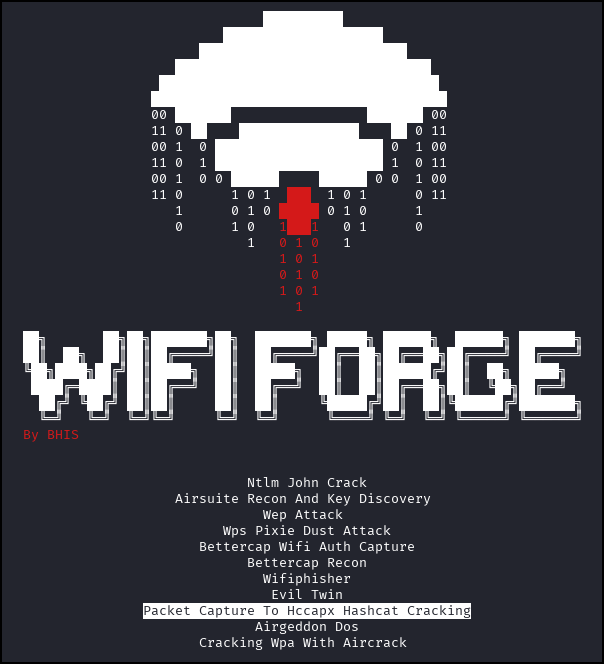
Select “Packet Capture To Hccapx Hashcat Cracking” from the menu. Allow up to 30 seconds to initialize the network.
Two panes will appear in the resulting screen. One represents the attacking machine “Attacker”. The other panel represents the host machine from which you will launch a browser session.
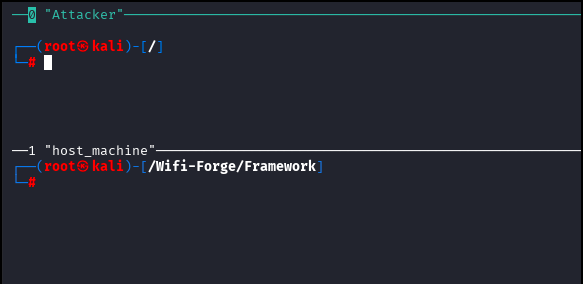
Click the area within the “host_machine” panel to ensure that the host machine terminal is selected. Type the following command to open a browser window on the hashcat converter page.
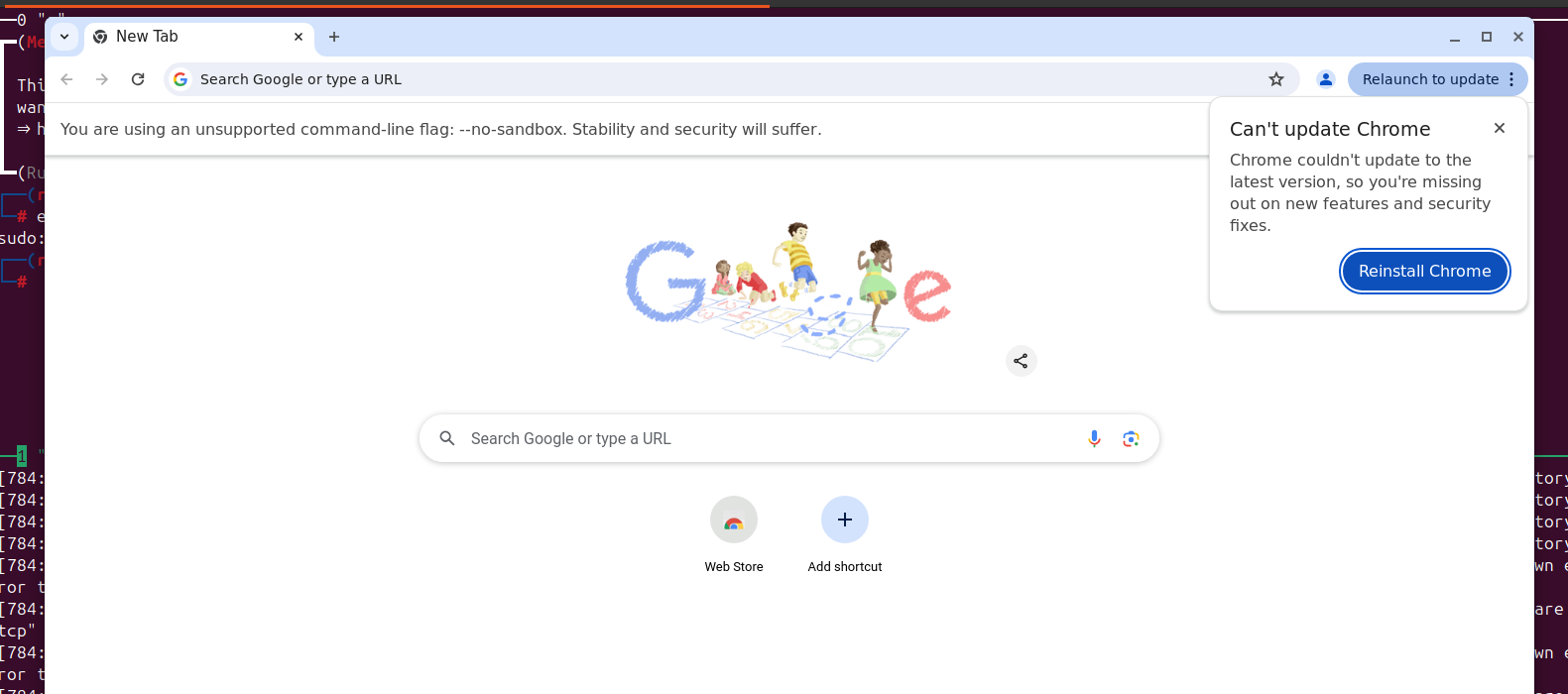
/wififorge/src/wififorge/labs/materials/browser linux file:///wififorge/src/wififorge/labs/materials/hashcat.net/cap2hashcat/index.htmlIgnore any Chrome warnings that appear on the command line. If the command prints its own message instead of opening a window (for example no display found or file not found), follow the advice in that message. Wait for a Chrome browser to appear as seen below.
The following site will appear in the browser window.
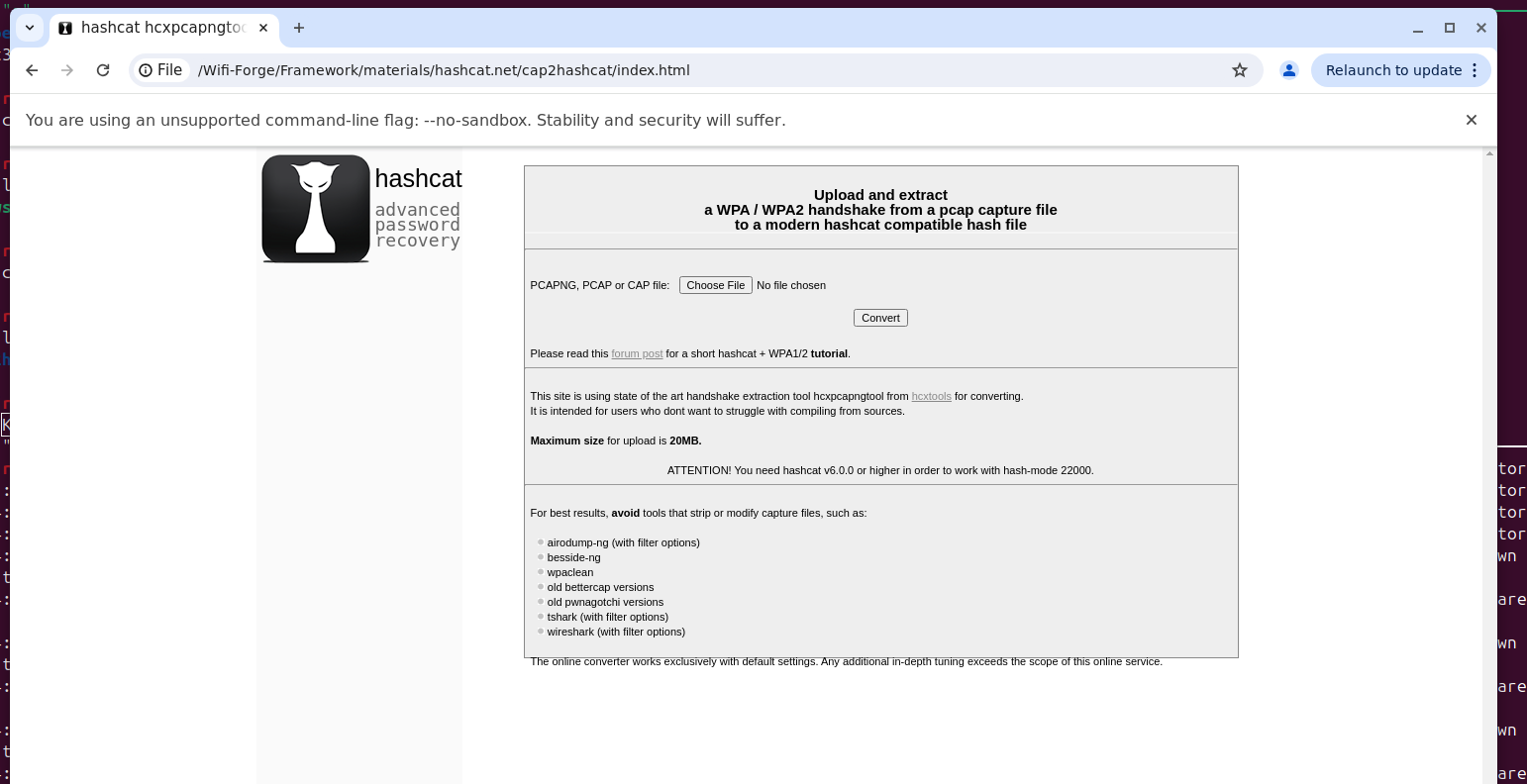
Select browse, navigate to the /wififorge/src/wififorge/labs/materials/loot/4whs-01.cap file, and click convert. This capture contains the WPA2 four-way handshake for WPA2_Network.
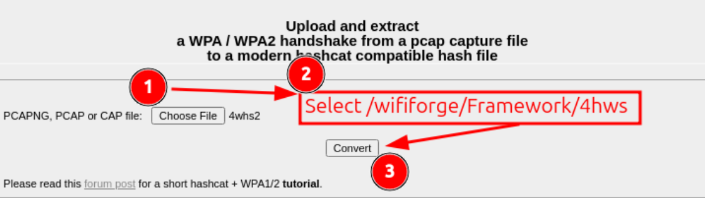
After clicking the convert button, click “Download.” Close the Chrome window.
NOTE
The converter page sends the capture to hashcat.net, so this step needs internet access. Without it, do the same conversion locally with hcxtools in the attacker terminal, then continue with the hashcat step below:
mkdir -p ~/Downloads
hcxpcapngtool -o ~/Downloads/4whs.hc22000 /wififorge/src/wififorge/labs/materials/loot/4whs-01.cap
Select your attacker machine by clicking in the top half of the terminal window.
Within the attacker terminal, run the following command. Replace <YOUR-HCCAPX-HERE> with the converted file in your Downloads folder. Its name will likely be a series of numbers with the file type hc22000 (or 4whs.hc22000 if you converted it with hcxpcapngtool).
hashcat -m22000 -a0 ~/Downloads/<YOUR-HCCAPX-HERE> /wififorge/src/wififorge/labs/materials/rockyou.txt --potfile-path /wififorge/src/wififorge/labs/materials/loot/4whs.pot
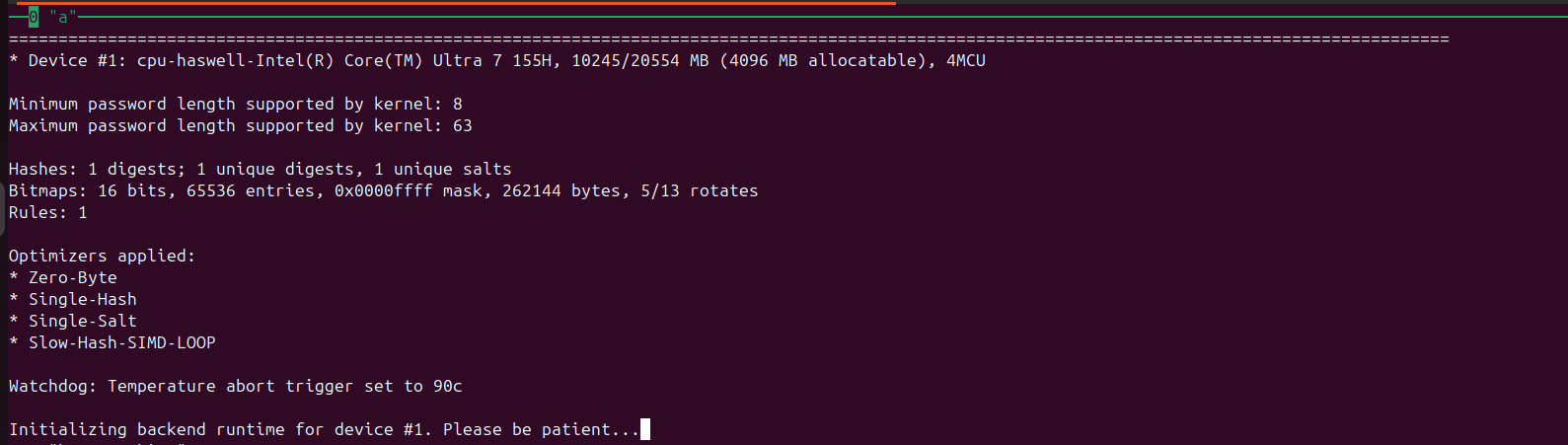
The following will appear on your screen. Hashcat will attempt to crack the password using the converted handshake. Allow for a few minutes for it to iterate through all the possible passwords.
If hashcat stops with No devices found/left or an OpenCL error, the machine has no GPU driver hashcat can use. Install the CPU OpenCL runtime with apt install pocl-opencl-icd (WifiForge’s installer does this), and if hashcat then asks for it, add --force to the command.
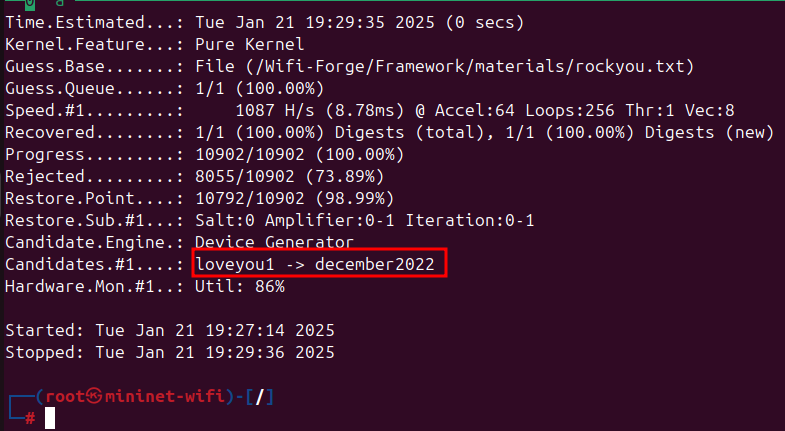
When it succeeds, the most likely passwords will be revealed (in this case, the password is december2022)
In either of the terminal panes, type main_menu to return to the main menu and onto the next lab.
Lab Complete
Congratulations! You have successfully completed Lab 01. You now understand:
- Converting packet capture files to HCCAPX format for Hashcat compatibility
- Using web-based conversion tools for file format transformation
- Hashcat command-line syntax and attack modes
- Wordlist-based dictionary attacks against WPA2 networks